
Reshine Controller Support and Controls
Reshine has full controller support on Steam plus keyboard, mouse and a mouse-only mode. Here is how each scheme handles screws, paint and fine grime.
Reshine lists full controller support on Steam. That covers an Xbox pad, a DualSense, a Switch Pro Controller and anything Steam Input can translate. Keyboard and mouse work as well, and there is a mouse-only option for people who want to play without touching the keyboard.
The game does not publish a key-by-key binding list before launch, and remapping is handled through Steam Input rather than an in-game menu. What the store page and demo do confirm is the shape of the controls: rotate and zoom the object, pick a tool, apply it, and switch to an inspection mode.
The Steam Deck page→ covers the handheld case, where the trackpad question matters more.
The beginner tips→ list the settings worth changing before the first object.
Which control schemes exist
| Scheme | Support | Best for |
|---|---|---|
| Xbox / DualSense / Pro Controller | Full | Couch and TV play |
| Keyboard and mouse | Supported | Precise cleaning and painting |
| Mouse only | Supported | Laptop trackpads and accessibility |
| Steam Deck controls | Supported | Handheld with trackpads |
| Touch screen | Switch only | Direct cleaning gestures |
The touch screen line is worth separating: Nintendo's listing confirms touch support on Switch, but the PC version does not advertise touch, so a Windows tablet is not a supported touch device.
How the controls are laid out
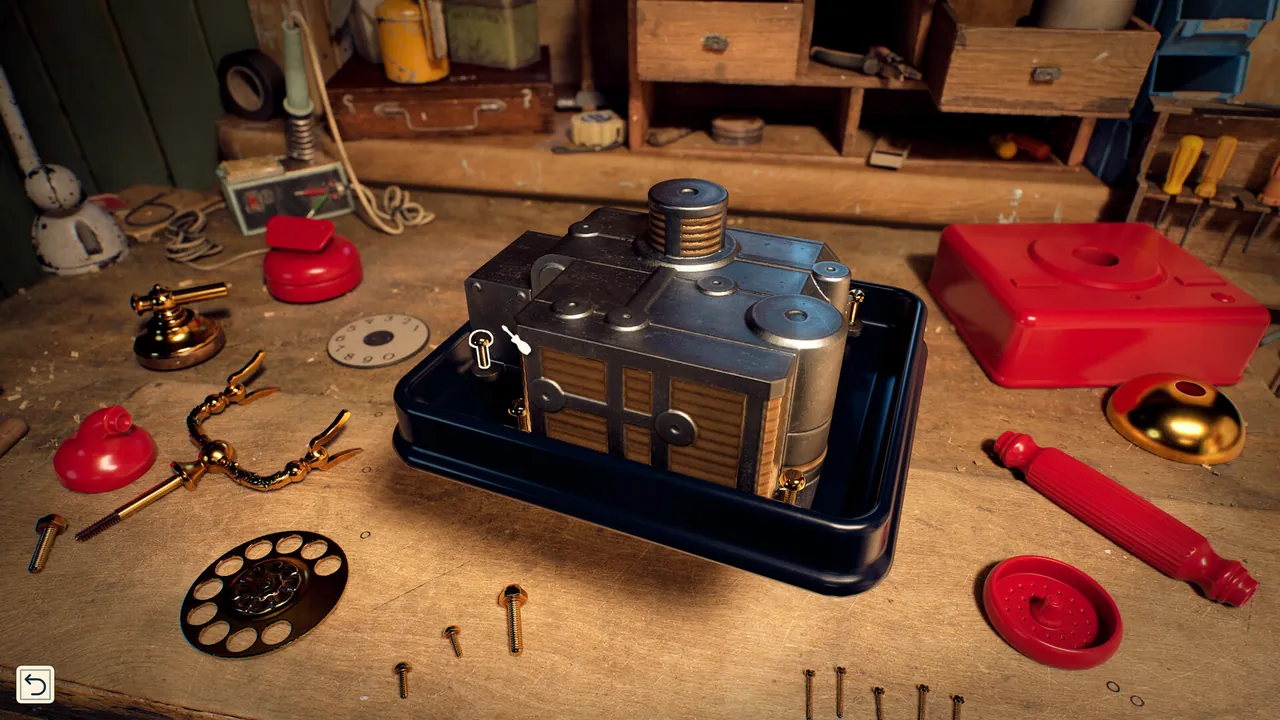
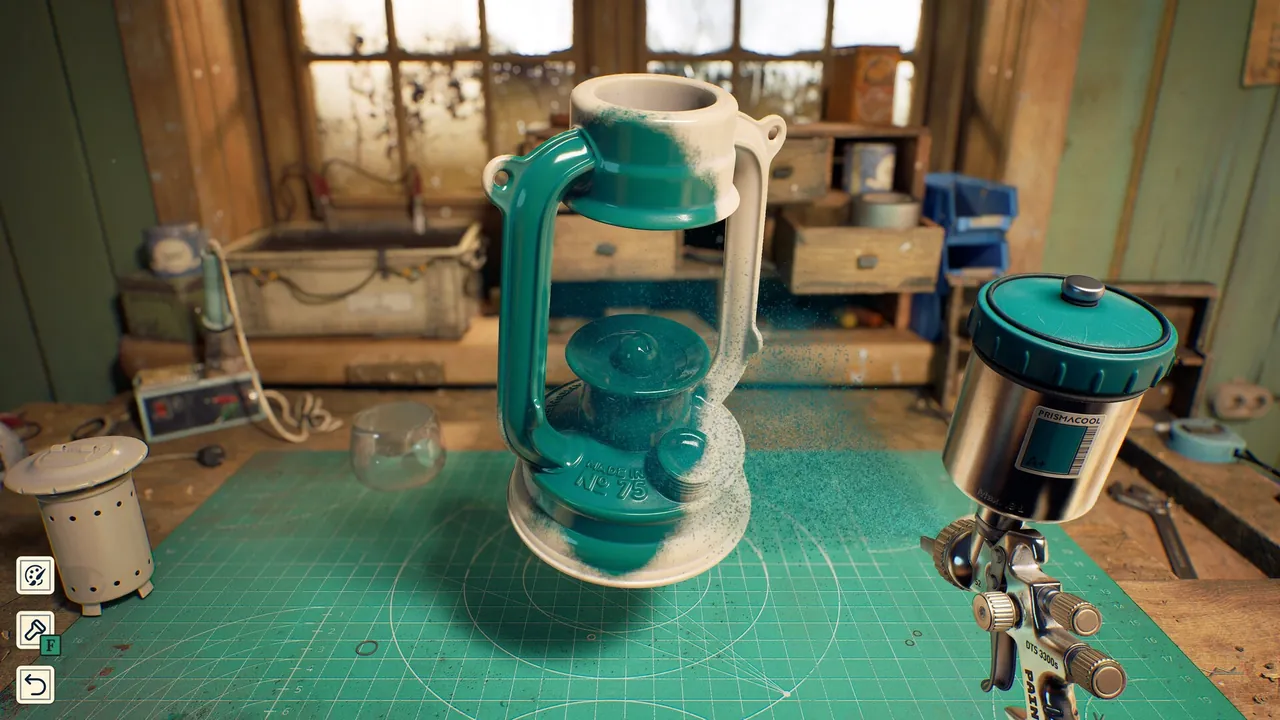
Reshine is a first-person-ish workbench game rather than a character game. You do not walk around. The camera orbits the object, and the tools are selected from a radial or a bar. That design keeps the control set small:
- Camera: rotate, zoom, and a comfort mode that reduces motion.
- Tool select: cycle or pick directly from the tool tray.
- Apply: hold and move over the surface. Pressure and speed come from the movement, not from a button press.
- Inspect: the UV light and close-up view for finding grime and fasteners.
- Disassemble: screws and fasteners, one at a time.
Because there is no combat, no jumping and no timing pressure, the control scheme is forgiving. The hardest input is fine circular motion with a stick, which is exactly where a mouse or a trackpad wins.
Controller vs mouse
For most of the game, a controller is fine. Cleaning a large flat surface with a stick works, and the vibration toggle added in a demo patch gives useful feedback when a tool is cutting through rust.
The exceptions are the fiddly jobs:
- Screws and fasteners. Small targets, precise clicks. A mouse is faster.
- Paint edges. Staying inside a trim line with a stick is doable but slow.
- Tiny grime spots. The last two percent of an object is a pixel hunt.
If you play on a TV with a controller and hit one of those, you can switch to mouse mode without restarting. The game detects the active device, and the mouse-only option exists for players who never want to touch a keyboard.
Accessibility options
Steam lists a broader set of comfort features than most indies bother with:
- Adjustable text size
- Camera comfort
- Custom volume controls
- Mouse only option
- Playable at your own pace
- Playable without timed input
- Stereo sound
The last two are worth calling out. "Playable without timed input" means no quick-time events and no reaction windows, so the game is approachable for players who need to take their time. The demo patch also added a gamepad vibration toggle, which is the first thing to turn off if rumble is distracting.
There is no in-game remap screen advertised. Use Steam Input to rebind, and remember that community layouts usually appear within a day of launch for a game with full controller support.
Switch controls
The Switch version uses the Joy-Con or Pro Controller, plus the touch screen in handheld mode. Nintendo's listing does not detail the button layout, and there is no Switch demo to test it with.
Touch is the interesting part: dragging a cloth across the glass is closer to the fantasy of the game than pushing a stick. If you play mostly handheld, the Switch version may feel better than a pad on PC, even with the higher price.
FAQ
Does Reshine support controllers on PC?
Yes. Steam lists full controller support, including Xbox, PlayStation and Switch Pro pads through Steam Input.
Can you play Reshine with mouse only?
Yes. The game advertises a mouse-only option, so you can play without a keyboard.
Does Reshine have button remapping?
Not in-game as far as the store page shows. Use Steam Input to remap, or pick a community layout.
Related guides
Official source: Steam store page ↗.
Sources: Steam store page ↗, Nintendo eShop listing ↗.