
Reshine Steam Deck: What Is Confirmed
The Reshine playtest build ran on Steam Deck, but Valve has not rated the launch build. Here is what the developer said and which settings to start with.
The short version: the developer says the playtest build was fully playable on Steam Deck, but there is no Valve Verified badge on the launch listing and no published performance numbers. That is a meaningful difference. "Playable in testing" is not the same as "Valve tested and rated it", and the rating can change in the first week.
What we do know is that the game is light on hardware, supports controllers fully, and includes a mouse-only option and adjustable text size, which are the two settings that usually decide whether a game works on a 7-inch screen.
The system requirements page→ has the full spec sheet if you want to compare against your desktop.
The Switch version→ is the other handheld option for this game.
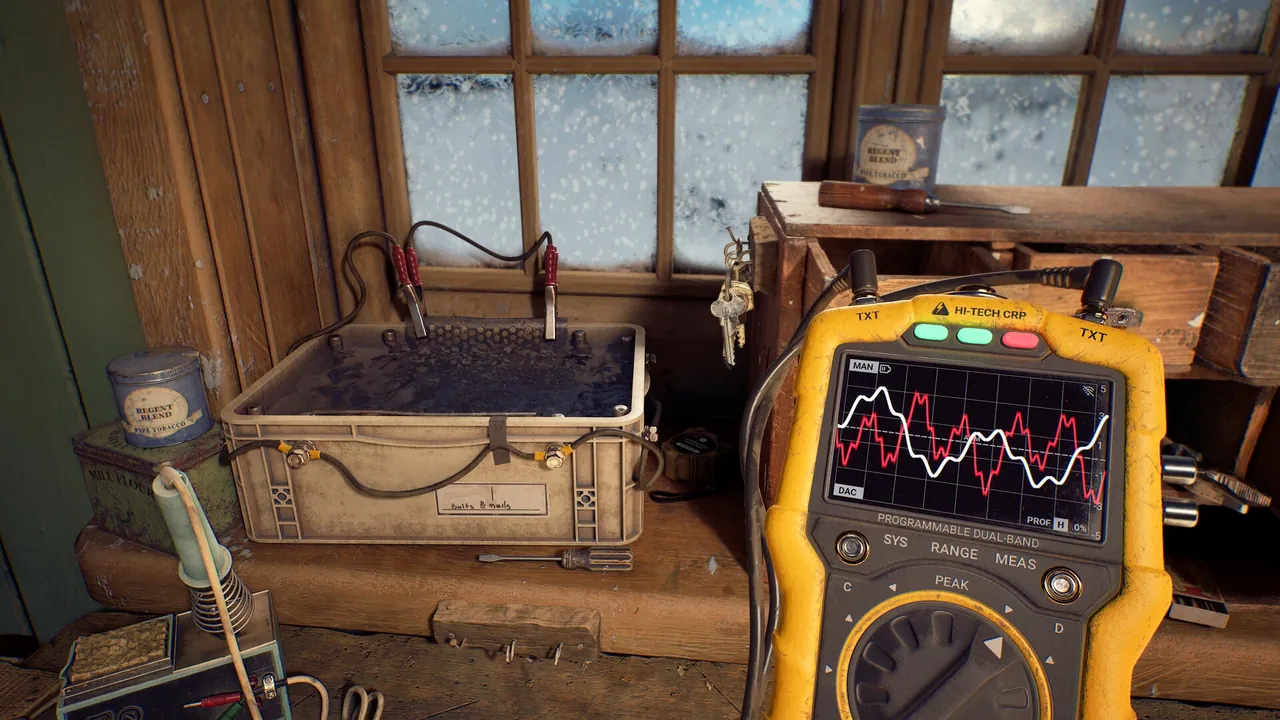
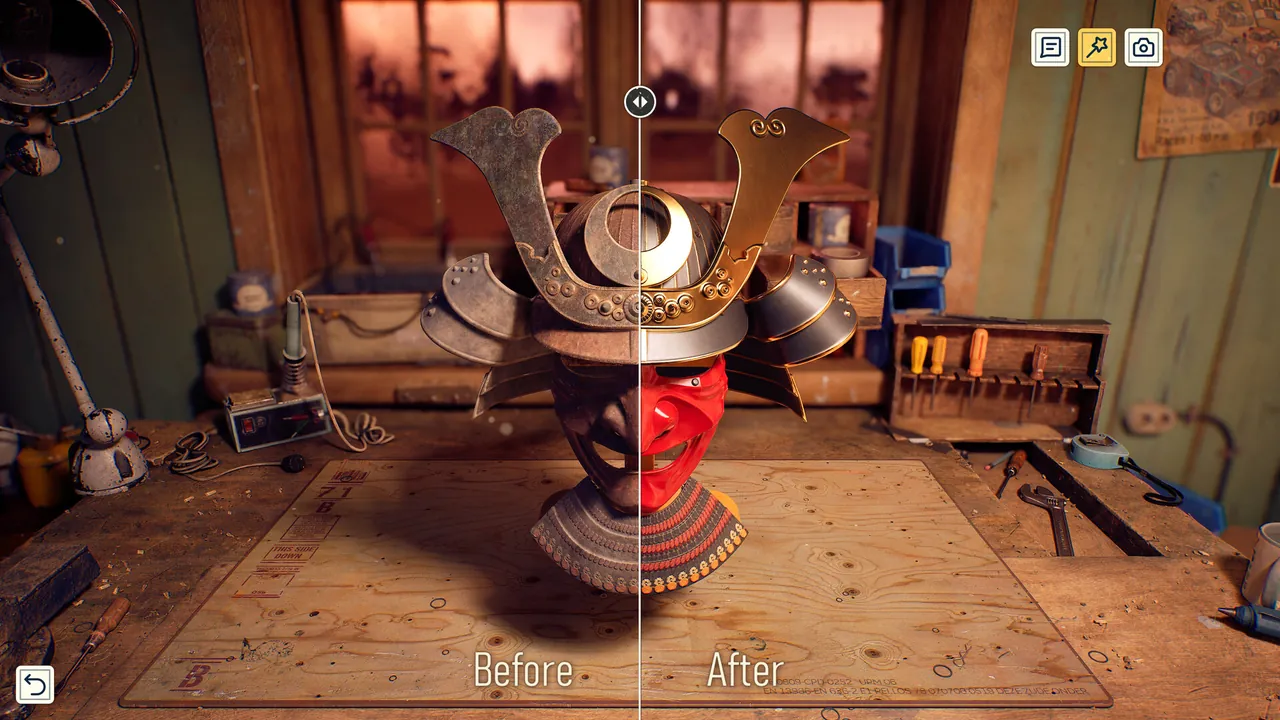
What the developer has said
The studio's FAQ, updated during the demo period, states that the current playtest build is fully playable on Steam Deck and that optimisation is ongoing. It does not promise a Verified rating, and it does not give a frame rate.
That wording is honest rather than evasive. Deck verification involves Valve testing the default configuration, text legibility, controller glyphs and suspend/resume behaviour. An indie studio can say its build runs well without claiming Valve has signed off on all of that.
What to expect at 1280x800
Reshine renders one object on a table with a fixed camera, so the GPU load is low and the CPU load is mostly the cleaning simulation and screw physics. On paper, that is a good fit for the Deck's APU.
The practical concerns are different:
- Text size. The interface has small labels for tools and object parts. The game ships with an adjustable text size option, so raise it before you start rather than after you get stuck.
- Precision. Fine cleaning work with a stick cursor is slower than with a mouse. The Deck's trackpads help, and the game supports a mouse-only control scheme.
- Battery. A 2D-ish scene with modest rendering should not drain the battery like a 3D open world, but capping the frame rate is still the single biggest gain.
Settings to start with
These are sensible starting points for a light 3D game on Deck, not values published by the developer:
| Setting | Start here | Why |
|---|---|---|
| Resolution | 1280x800 | Native panel resolution, no scaling artefacts |
| Frame limit | 40 or 60 | 40 is smoother than 30 with far less power draw than 60 |
| TDP limit | 10–12W | Keeps fans quiet; raise it if frame times wobble |
| Text size | Large | Set once at the start |
| Vibration | Off if you play in bed | Added as a toggle in a demo patch |
| GPU clock | Auto | No need to force it on a light game |
If the frame rate holds, drop the TDP a watt at a time until it stops. If it does not hold at 40, drop to 30 before touching resolution; the art style hides a lower frame rate better than a blurry upscale.
Docked play
Docking pushes the render resolution to 1080p or higher, which is still modest for the Deck's GPU in a game like this. The bigger change is input: with a dock you can use a controller and a larger screen, which makes the fine cleaning work easier.
HDR is not mentioned on the store page, and the game's palette is warm and low-contrast, so do not expect a dramatic HDR upgrade. Set the display to sRGB and leave it.
If Deck support is the deciding factor for your purchase, give it a few days after launch. Valve's rating and user reports on ProtonDB will be more useful than any pre-release claim.
Steam Deck vs Switch
Both are handheld, and both run the same game, but they are not interchangeable. The Switch version is a native console build with touch support and a fixed hardware target. The Deck version is the Windows build running through Proton, with trackpads and the option to change settings.
If you already own a Deck and a Switch, the Deck version is cheaper and more flexible. The Switch version is the one to get if you want the official handheld build with cloud saves through Nintendo's service.
FAQ
Is Reshine Steam Deck Verified?
Not at the time of writing. The store listing does not carry a rating yet, and the developer has only said the playtest build was playable.
What frame rate does Reshine run at on Deck?
No figure has been published. The game is light enough that 40fps should be reachable at native resolution, but that is an expectation, not a confirmed number.
Does Reshine support Deck controls?
Yes. Steam lists full controller support, and the game has a mouse-only option if you prefer trackpads or a mouse.
Related guides
Official source: Steam store page ↗.
Sources: Steam store page ↗, Steam Deck compatibility overview ↗.